Click Me Click Me Click Me

Wednesday, February 27, 2008

A drop of blue

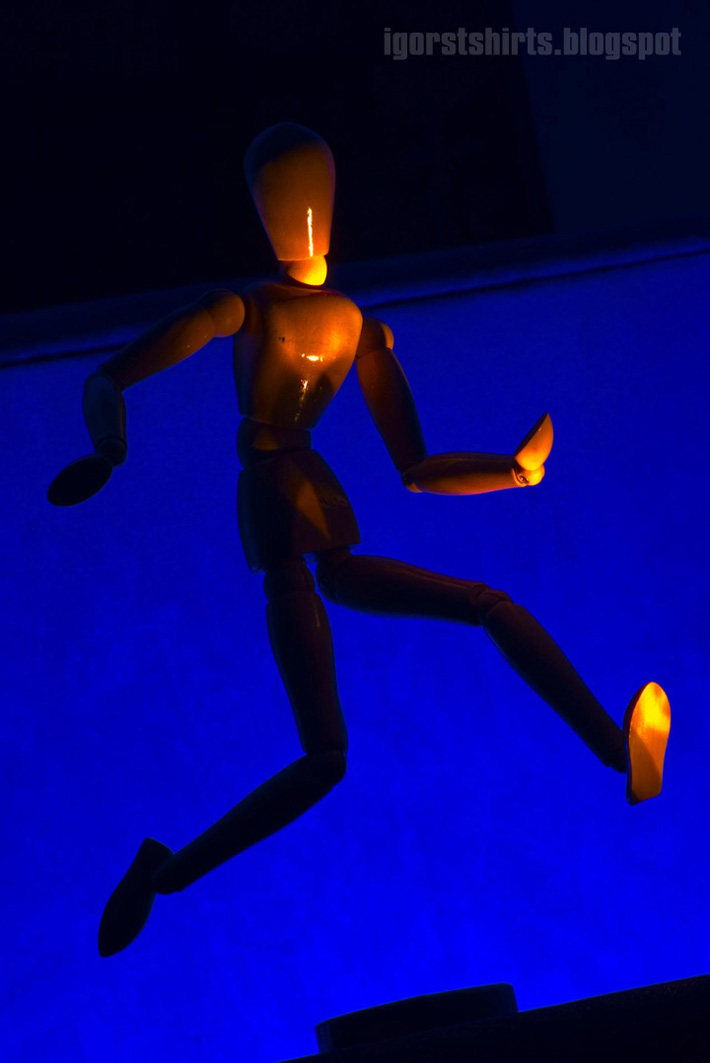
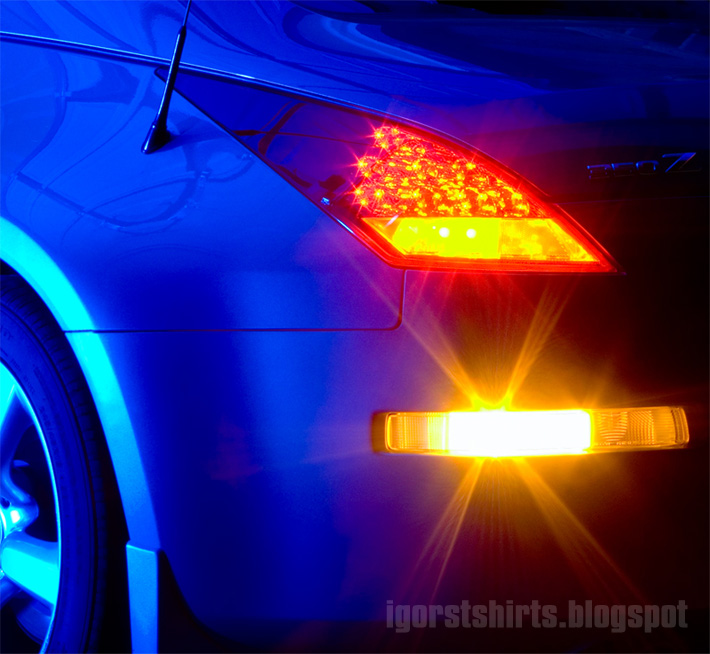
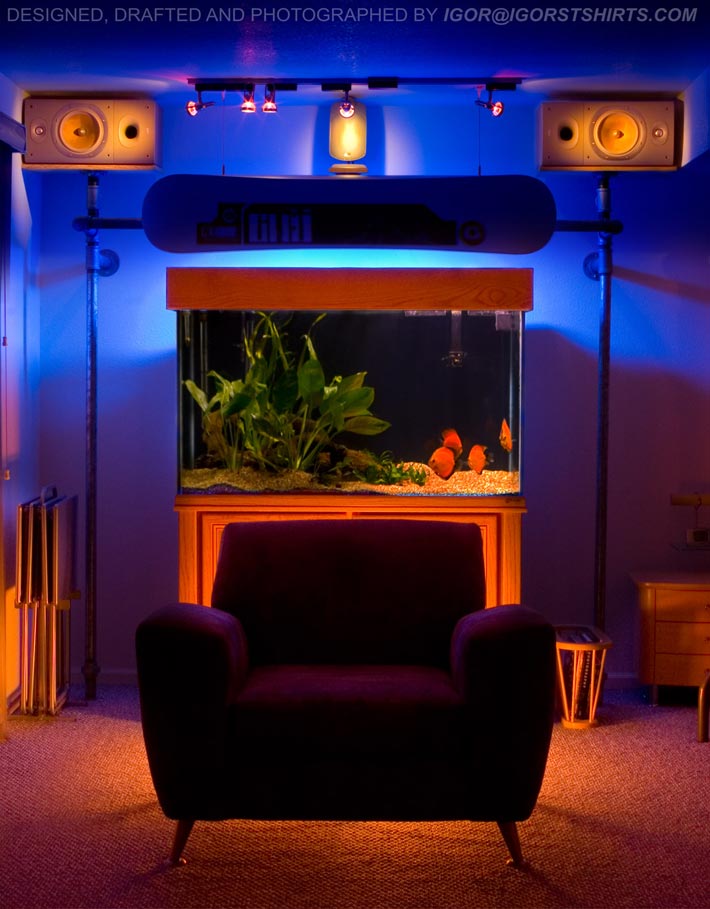
Some digital photography with a theme of blue.
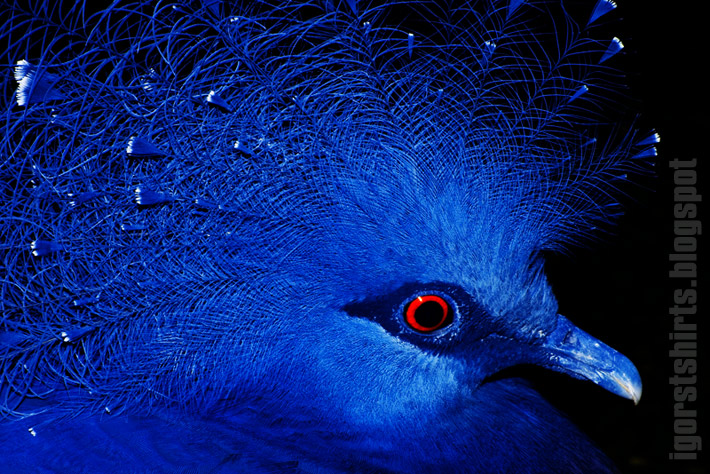


Keywords: digital photography high resolution photographs blue theme themed zoo animals captive shots pentax istd cannon rebel xti ef-400 long lens ricoh macro tree frog amazon blue bird 2006 nissan 350 z art action pose figure running maquette 140 gallon oceanic fishtank with track lighting gnu snowboard blue light scandinavian furniture design

Tuesday, February 12, 2008

Colorado train car model

Here's the thing... I've been working with corelDRAW since version 7. I didn't realize that I could import my vector data into a 3D application (I use Lightwave) until version 11 but when I did... It changed my work completely.


Above is the first object I made in Lightwave. I had taken some photographs of a train yard in Denver around the Stapleton district area... I drew it out in corelDRAW and imported all of my vector data as version 6 Illustrator files via the EPSF loader in Lightwave. I couldn't believe that I could use my vector work as a background template guide and I could also use the actual vector data in my modeling. WHAT?! I had basic modeling skills before I ever opened a modeling package. Crazy.

After I finished the crossing post and the pole, I decided to make some tracks.


The tracks were relatively easy. I mapped texture and photo images onto my geometry from my 35 mm AGFA slide library I had built up over the years studying photography.


I made a road even and added some rocks... It lead for me to try and model a train car for my scene. I thought that a basic square box car would make a great first model attempt. I could figure out my corelDRAW to Lightwave work flow, learn how to texture, light and composite and still make a basic model that I could be proud of.

This is what I came up with about three months later. All the geometry besides the simplest basic primitives were drafted up in corelDRAW and imported into Lightwave as Illustrator version 6 data.


Here is a test night scene render.


Below is my final render... I tried to light it so it had a dusk alien abduction feel to it but I don't think I pulled it off...


Here is an animated sequence I put together a few years later for CGSociety's EON challenge. The rings on the red blinky lights are circles made in corel draw applied as a translucency map.


There is a high definition 24 frame per second flash loop of this animation here.

Check out my slice and bend technique using the corelDRAW to Lightave pipeline.


Keywords: photography from denver train yard box car lightwave train car model drafted in corel draw coreldraw extruded modeled beveled image mapped mapping photoshop train crossing street high definition resolution render alien abduction aftereffects adobe animation animated 24 fps frames per secon flash loop embeded within html blog post blogger google

Wednesday, February 6, 2008

Lighting up 2D illustrations within a 3D software application

Hey there,
This is a nice 3D lighting on 2D images trick for us people who have a hard time coloring our comic book style of art using "traditional" methods. I use lightwave but pretty much any 3D software package should work just as good.

Here is a space marine Starcraft fan art image created by Alexander Popov. It is nicely drawn but colored quick and crude. It is relatively easy to turn this into a more cohesive and atmospheric image even with this basic of a coloring job.


Notice the super saturated blues and purples in the image above. The marine also doesn't seem to fit in the scene as a whole... Lighting wise... And there is little sense of drama, mystery or atmospherics present at this moment. So...

Open up your 3D app. of choice and make a rectangle with an aspect ratio the same as your artwork image. If your image is 30 by 20 inches then a 3 by 2 rectangle will work. If your image is 32 by 21 then a 3.2 by 2.1 rectangle will do. Click on the face of the rectangle that you are going to map the image on to, name it and map your drawing onto it.


Above is what the space marine looks like mapped on the rec and lit in Lightwave layout. Notice that I enlarged my rectangle to a size where lights become smaller for tighter positioning and brightness control. I have also enabled lens flares on the space marines suit to add a little more drama. Below is the final colored version.


One of the most important lights is the overall global light... The bright blues and purples will desaturate and become more cohesive by dimming this light as well as giving it a color... I chose a greenish color for this scene. The overall rectangle that the image is mapped on to can also be diffused or brightened depending on the situation. Notice the blue light on the marines face to separate and highlight it in the scene.

The next step might be to make more layers for this scene, setting them up in 3D space and maybe "filming" the scene with the camera's f-stop setting set to blur fore and background objects. Particles such as rain, dust or fog might also bring your piece of art to another level. Animation is another option. Maps can be made to heighten specular, transparency or luminosity properties of certain areas of the marine as well.

I cut the figure from the background in this example. This gives the option of back lighting the character as well as creating more drama with the positioning of the mountain and other background features.

This is great exercise for someone who can draw and color fairly well but is afraid of jumping to a 3D modeling app. Learning to light will help your coloring immensely and vice-versa.

Thanks for reading my lighting 2D images in a 3D software application tutorial. Check out my lighting up vector images with a 3D application tutorial. Later!


Keywords: alexander popov starcraft space marine concept fan art lighting up 2D two dimensional images in a 3D three dimensional program application lightwave compositing blizzard entertainment

Providing custom t-shirt airbrushing, iron-on transfer, embroidery and graphic design services in the Aurora Denver Englewood Colorado area since 1995